
PC Mirror
Tools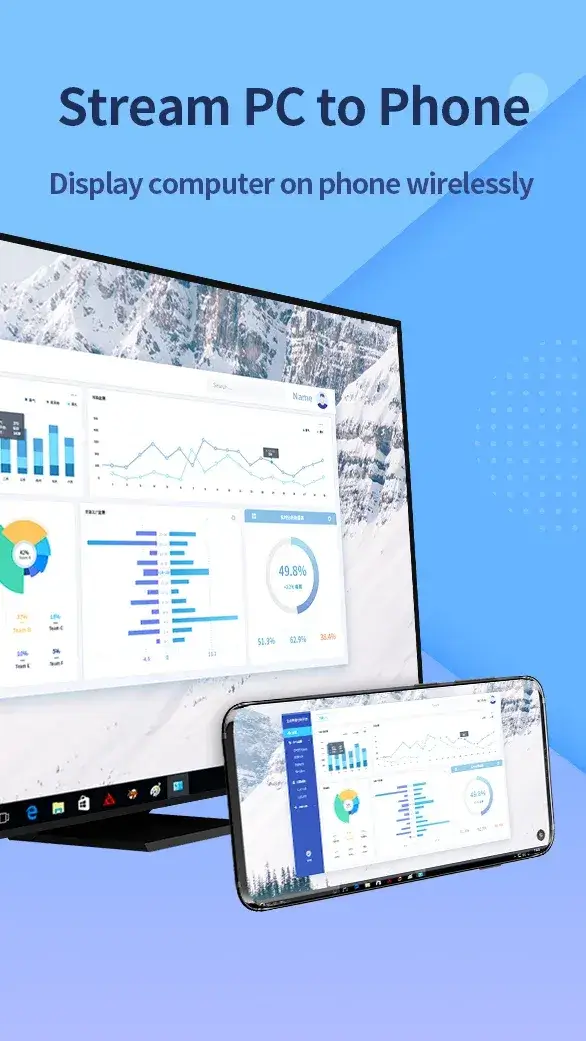
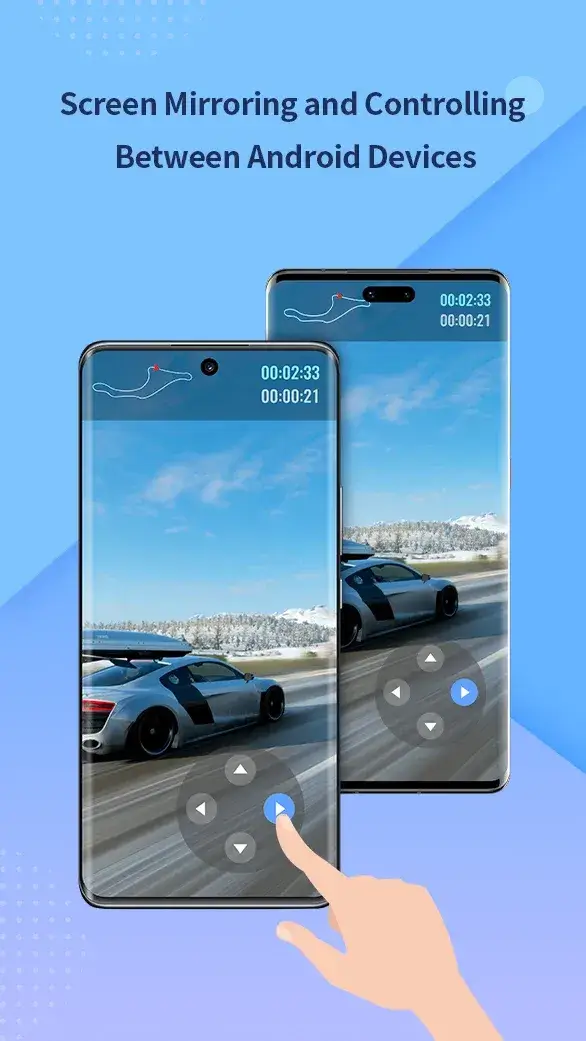
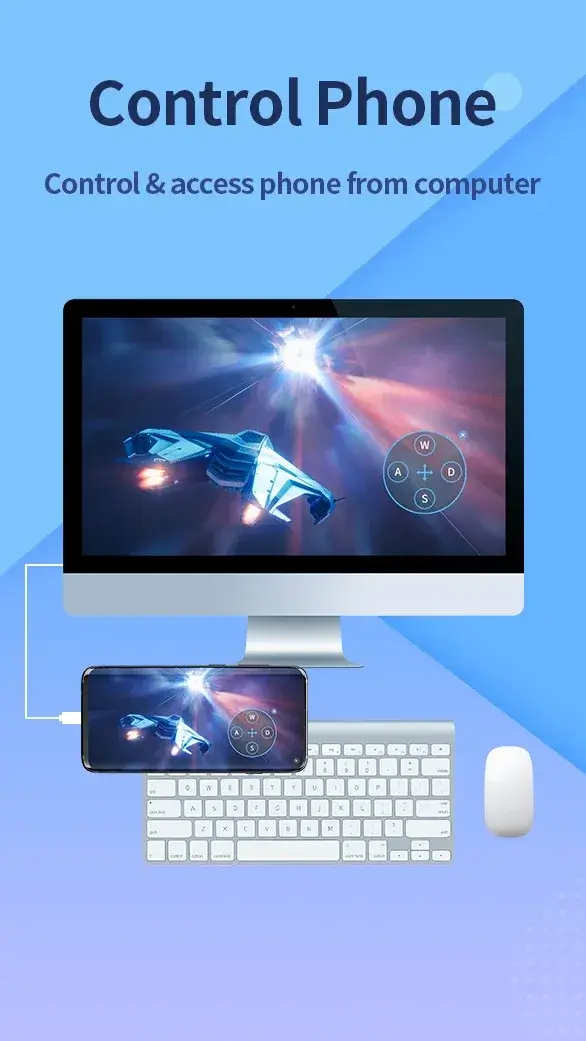

PC Mirror lets you display your Android (or iOS) device screen on a computer. By turning the PC into a virtual monitor, you can watch videos, play mobile games, or run apps without holding the phone.
This page provides the latest official build, installation steps, compatibility notes, and practical tips for a smooth experience.
Quick Information
| App/Game Name | PC Mirror |
| Latest Version | 1.8.32.1 |
| Developer | Not listed |
| Category | Apps / Tools |
| App Size | 58 MB |
| Package Name | com.apowersoft.mirror |
| Last Updated | 8 April 2026 |
What Is PC Mirror?
PC Mirror is a screen‑mirroring utility that streams the content of your mobile device to a Windows or macOS computer. It works over Wi‑Fi or a USB connection, allowing real‑time interaction with the phone from the larger PC display. The app is geared toward users who want a bigger view for media consumption, gaming, or productivity tasks that involve mobile‑only apps.
Key capabilities include:
- Live video and audio streaming from phone to PC.
- Control the phone using mouse and keyboard when connected via USB.
- Support for both Android and iOS devices.
Limitations are typical of mirroring tools: performance depends on network quality for wireless mode, and certain DRM‑protected content may not be viewable.
Compatibility
| Android Version | ✓ Verified — 5.0 and up |
| Architecture (ARM64 / 32-bit) | Not Verified |
| Internet Connection | ✓ Verified — May be required for ads, updates, or login |
| Storage Needed | Not Verified |
| OBB/Data Files | Not Verified |
| Root Required | Not Verified |
How to Install
- Enable Unknown sources in your Android settings (Settings → Security → Install unknown apps).
- Download the PC Mirror APK file to your device.
- Tap the downloaded file and follow the on‑screen prompts to install.
- On your computer, download and install the companion PC client from the official website.
- Launch the app on both devices, choose a connection method (Wi‑Fi or USB), and follow the pairing instructions.
Troubleshooting
- App not installed: Verify that the APK is complete and that installation from unknown sources is allowed.
- Crashes on startup: Ensure your Android version meets the minimum requirement (Android 5.0 or higher). Clear app cache or reinstall if the issue persists.
- No video/audio on PC: Check that both devices are on the same Wi‑Fi network, or try a USB connection. Disable any VPNs or firewalls that might block the stream.
- Touch input lag: Reduce the video resolution in the app settings or switch to a wired USB connection for lower latency.
Safety & Security
PC Mirror is a standard APK that has been modified only to provide the official functionality described by the developer. As with any third‑party app, install it from a trusted source and review the permissions it requests. The app requires access to your screen, microphone, and storage for optimal performance. Avoid entering sensitive personal data (e.g., banking credentials) while using the mirrored session, especially on public networks.
How PC Mirror Compares
| Feature | PC Mirror | ApowerMirror | AirDroid | Scrcpy |
|---|---|---|---|---|
| Price / Free model | Free with optional in‑app purchases | Free tier, premium subscription for extra features | Free tier, premium subscription for advanced tools | Open‑source, completely free |
| Platform availability | Android & iOS devices → Windows/macOS PC | Android & iOS → Windows/macOS | Android & iOS → Windows/macOS/Linux | Android → Windows/macOS/Linux (USB only) |
| Standout feature | Simple Wi‑Fi and USB mirroring with minimal setup | High‑resolution streaming and screen recording | File transfer, remote control, and notification sync | Low latency, no additional software on the phone |
| Best for | Casual users who want quick screen sharing | Power users needing recording and annotation | Users who also need file management and remote access | Developers or gamers seeking the lowest possible lag |
Alternatives
- ApowerMirror – Offers high‑resolution mirroring, screen recording, and annotation tools, suitable for presentations and tutorials.
- AirDroid – Combines mirroring with comprehensive device management, including file transfer, notification sync, and remote control.
- Scrcpy – An open‑source solution that provides ultra‑low latency mirroring over USB, ideal for developers and gamers who prioritize performance.
Final Verdict
PC Mirror is a straightforward, free option for anyone who wants to view and control their mobile device from a PC without extra frills. It works well on most modern Android versions and offers both wireless and wired connections. Users should verify the source of the APK, monitor the permissions it requests, and be aware that performance depends on network quality. If you need advanced features like screen recording or deeper device management, consider the alternatives listed above.
Frequently Asked Questions
Yes, as long as you download the APK from a reputable source and review the permissions it requests.
The app works on Android 5.0 (Lollipop) and newer.
PC Mirror supports both Android and iOS devices for screen mirroring.
No, you can use Wi‑Fi for wireless mirroring, but a USB connection can reduce latency.
Unstable Wi‑Fi, VPNs, or firewalls can interrupt the stream; try a wired connection or improve network stability.
Yes, installing the new version will replace the previous one while keeping your settings.
The app is free with optional in‑app purchases; no separate premium tier is advertised.
The latest build (1.8.32.1) is compatible with Android 5.0 and up, which includes Android 15.